Curriculum
Communicator 5 - Navigating Windows
Using Communicator 5 to Navigate Windows
0/3


Text lesson
Choose Your Windows Mouse
You can choose between two Windows controllers for your device. Windows Mouse and TD Control.
Windows Mouse
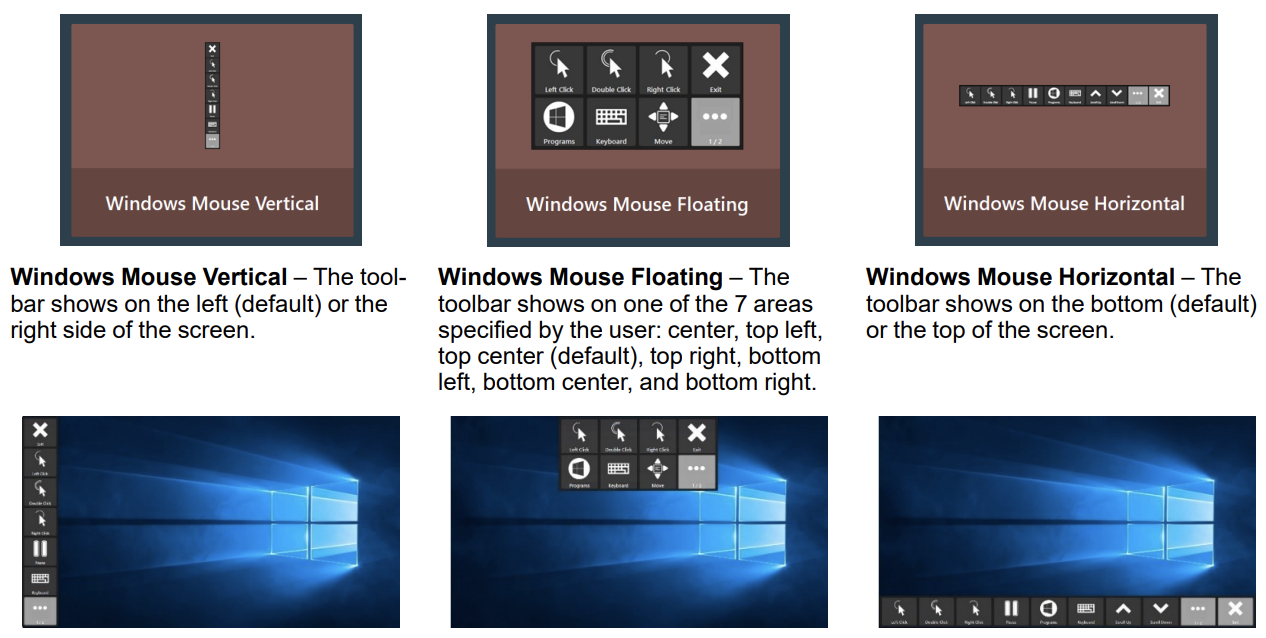
The Windows Mouse uses a bar with icons where you can select which function you can perform. It allows you to select an action first, before you select the part of the screen where you’d like to perform the action. Learn more about this in the following video lesson.
TD Control
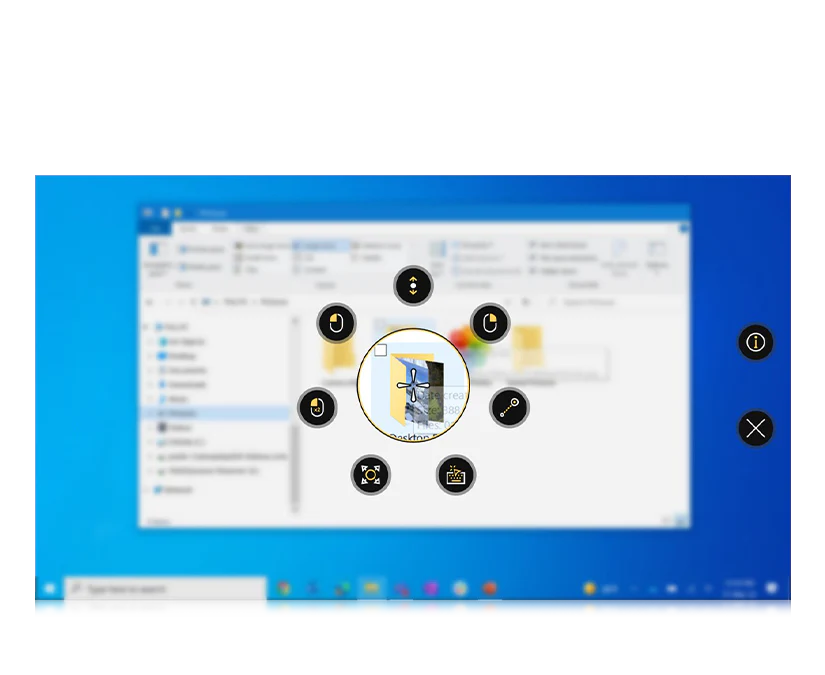
TD control uses a circle of icons that appear after selecting a part of thescreen where you’d like to perform an action. The icons selection then let you choose which action you’d like to perform. Learn more about this Windows controller in the last video of this course.