Curriculum


Text lesson
Turn on Head Pointer
Turn on Head Pointer
-
On your Mac, choose Apple menu
 > System Settings, then click Accessibility
  in the sidebar. (You may need to scroll down.)
 -
Go to Motor on the right, then click Pointer Control.
-
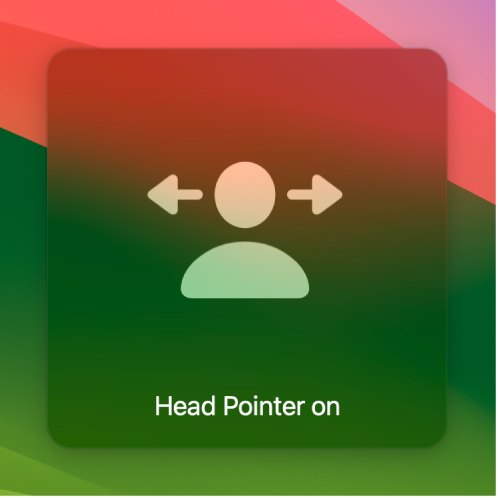
Turn on “Head pointer.”
-
Click the Info button
 .
.You can set options to specify the way the pointer moves, how fast it moves, which switches to use for head pointer actions, and which camera to use. For information about the options, see Change Pointer Control settings.
