Curriculum


Recalibrate Head Pointer
You can recalibrate head pointer to reposition the pointer in the middle of the screen and reset your default face or head position, depending on the option you set to control how the pointer moves.
-
On your Mac, choose Apple menu
 > System Settings, then click Accessibility
  in the sidebar. (You may need to scroll down.)
 -
Go to Motor on the right, then click Pointer Control.
-
Turn on “Head pointer,” then click the Info button
 .
. -
Turn on “Use a switch or facial expression to recalibrate,” then click the Info button
to choose a switch to perform the action. -
Adjust the position of your face or head, then use your switch to start recalibration.
The onscreen countdown is displayed and counts down from 3. When the countdown is at 1, refrain from moving so you’re still during recalibration.
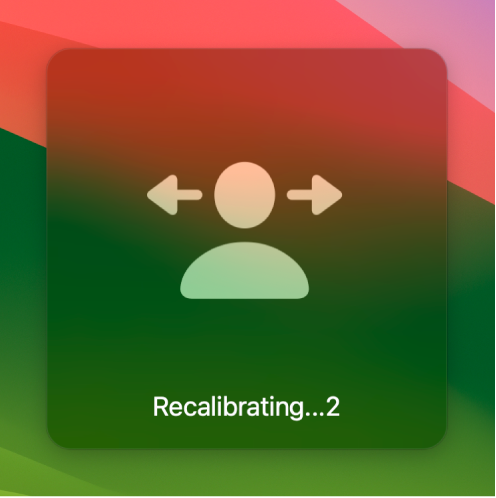
-
When the onscreen countdown disappears, head pointer is recalibrated and you can continue to use head pointer.
You can repeat these steps anytime you want to recalibrate head pointer.
