Curriculum
Communicator 5 - Getting Started
Setting Up Communicator 5
0/5

Speaking with Communicator 5
0/5
Video lesson
Using the Alarm/Call Bell
Watch the video above, or follow along with the written instructions below:
0:06– Activating the Alarm
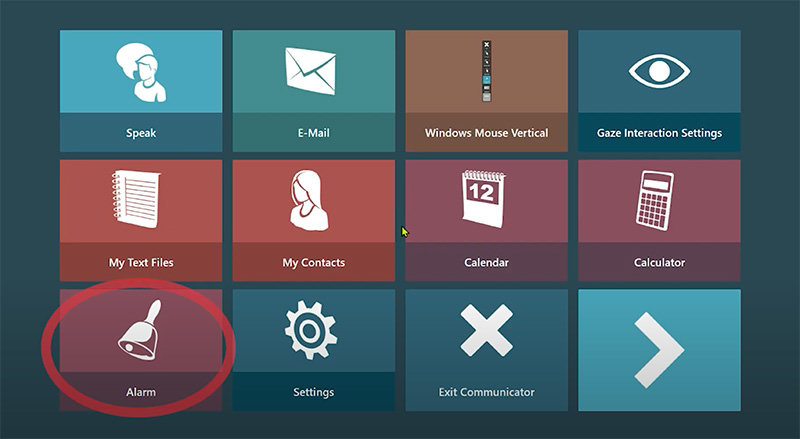
There is an alarm button on the main page of Communicator 5. It looks like a bell icon. When the Alarm Button is activated, the device will make a loud alarm sound to alert caregivers or people around you.
0:22– Stop and Exit the Alarm
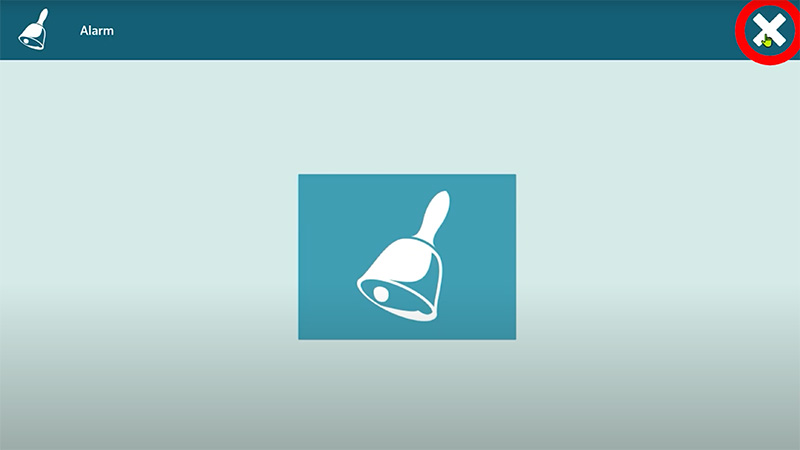
To stop and exit the alarm, select the exit button in the top-right corner of the screen.