Curriculum
Communicator 5 - Getting Started
Setting Up Communicator 5
0/5

Speaking with Communicator 5
0/5
Changing the Brightness and Volume
Watch the video above, or follow along with the written instructions below:
0:09– Navigating to the Brightness Settings
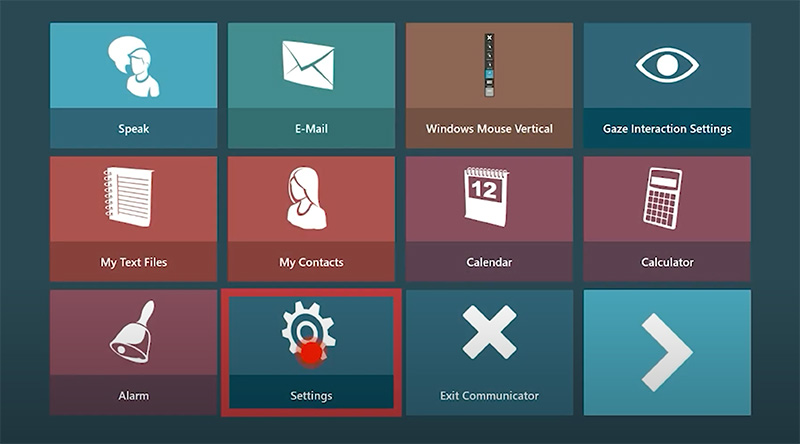
Navigate to Settings on the communicator 5 Home Screen
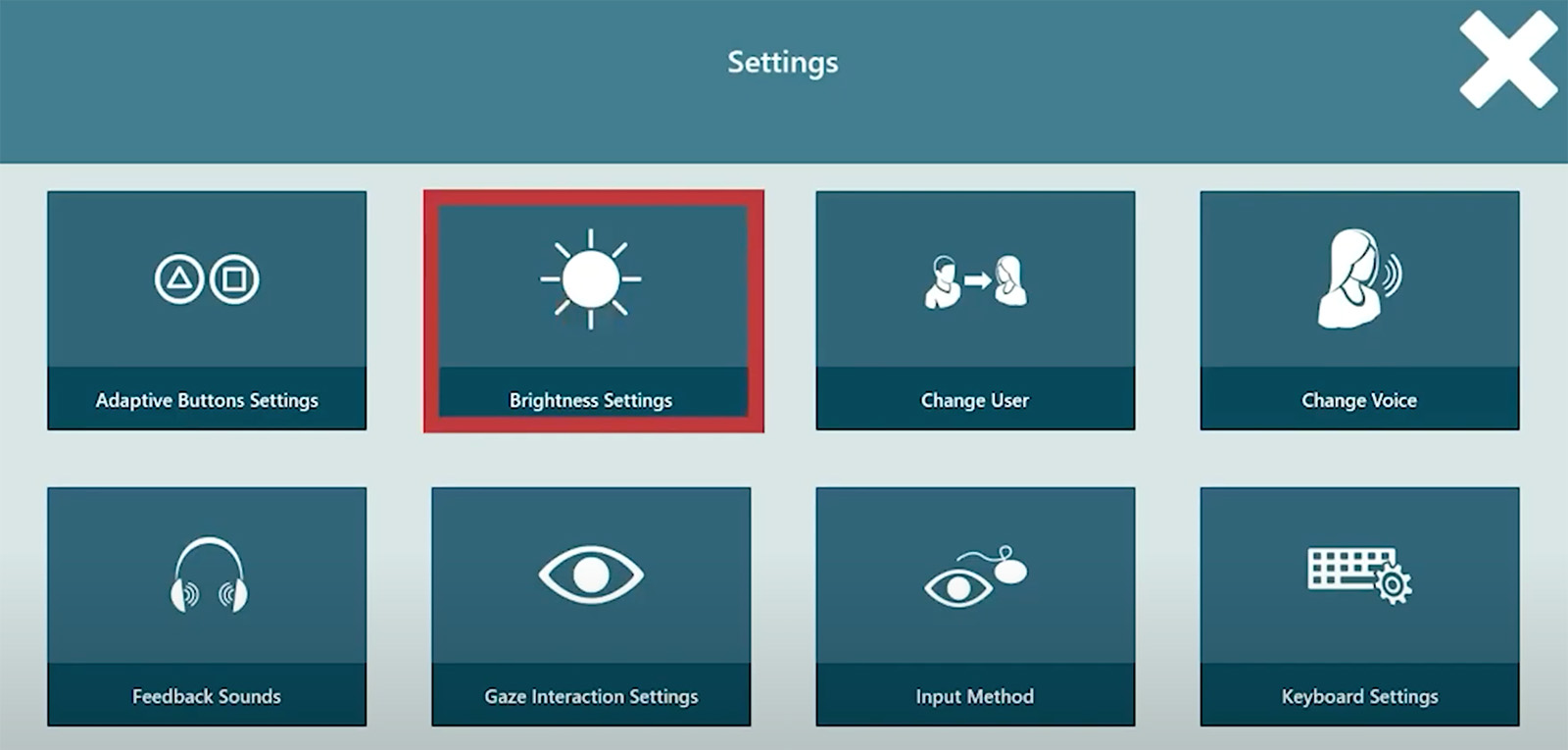
Find the button labeled: brightness settings
0:18– Adjusting the Brightness
Adjust the brightness using the plus or minus at the top, or choose from dark, medium, or light presets.
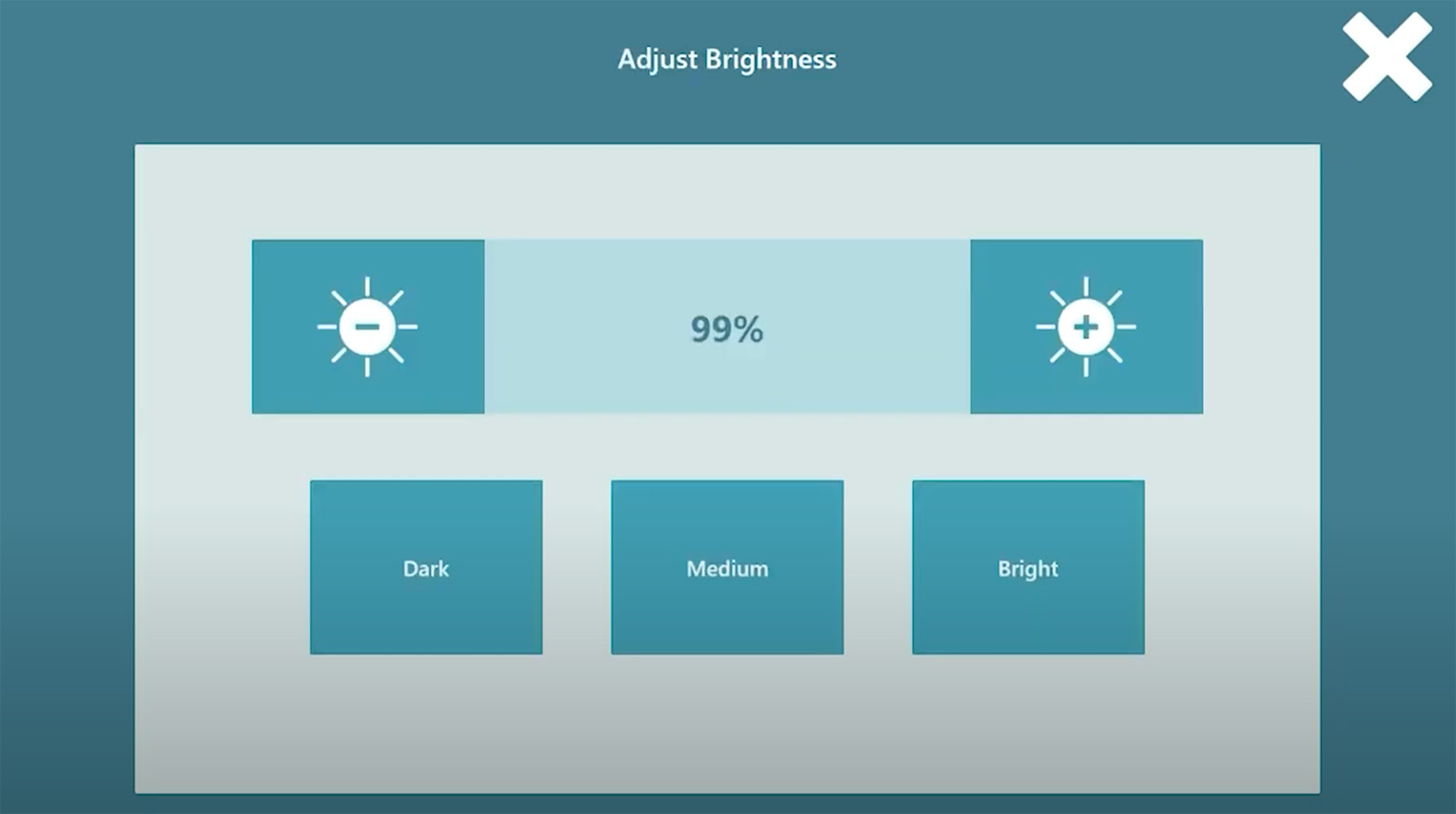
Press the large X at the top right of the screen to exit the brightness settings.
0:31– Navigating to the Volume Settings
Next, find the volume settings. You may need to use the numbers at the bottom of the screen to navigate to the next page of the menu.
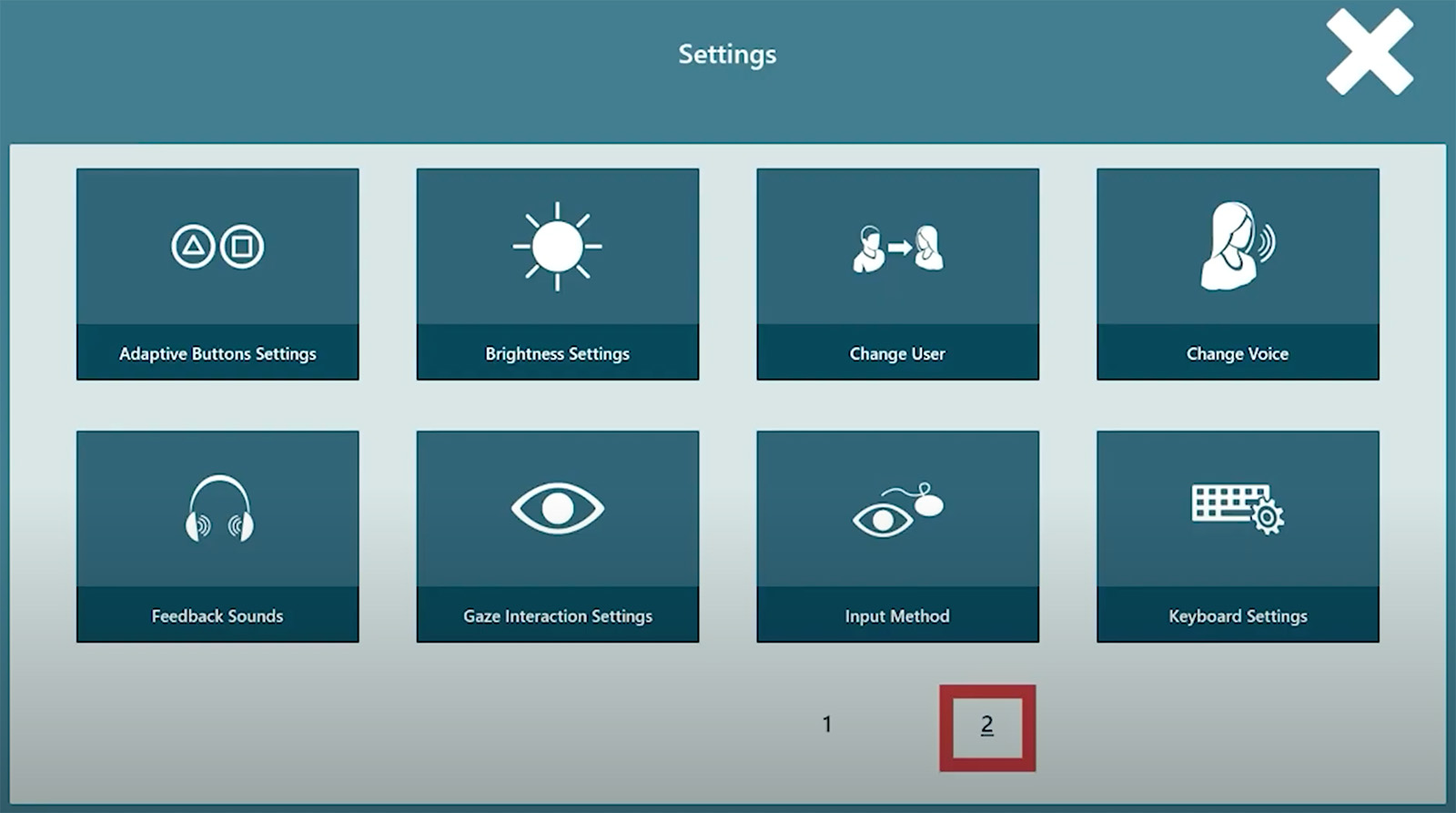
Select “Volume Settings” from the menu.
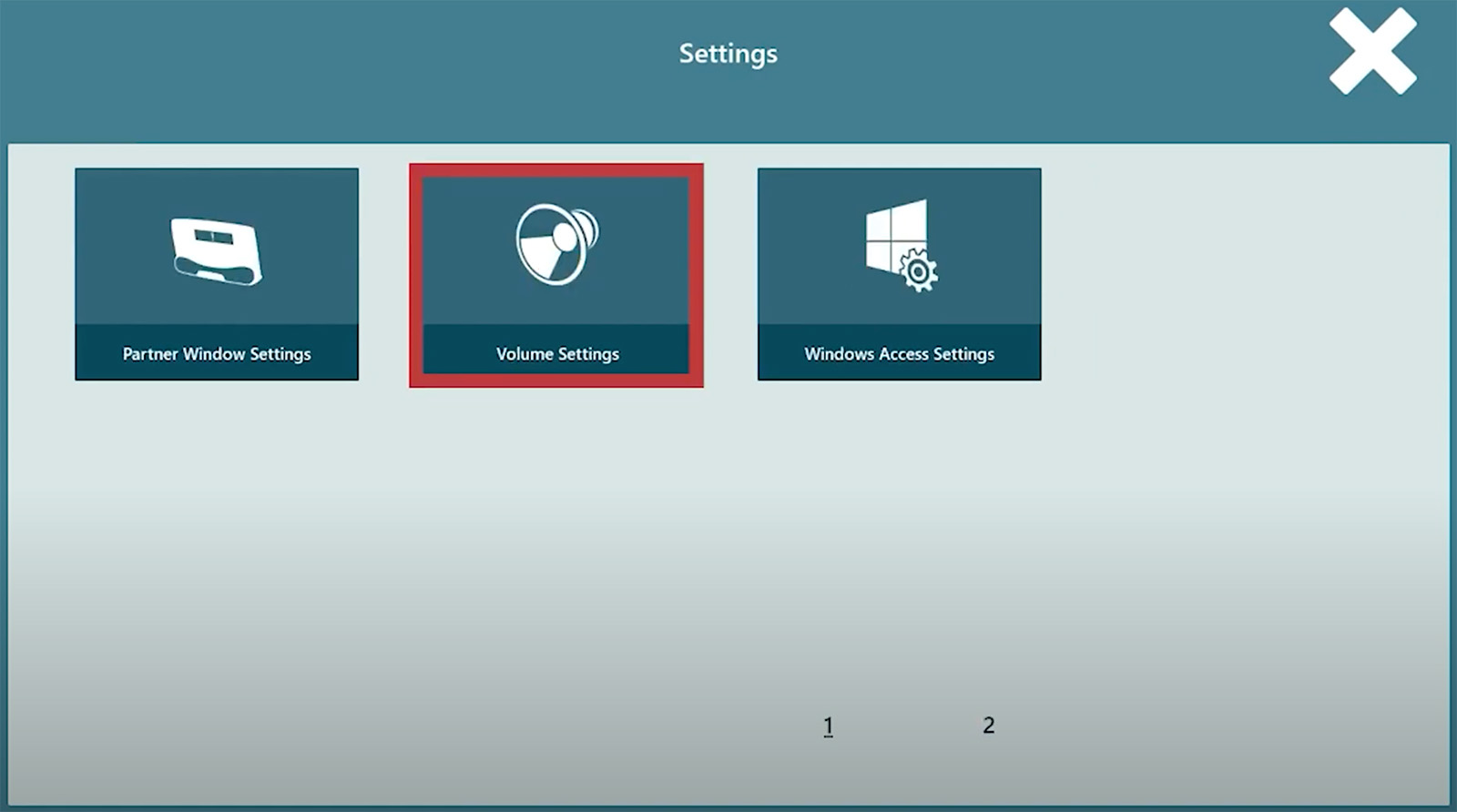
0:42– Adjusting the Volume
Click on the plus or minus button to change the volume or use the mute button to completely turn off all sound.
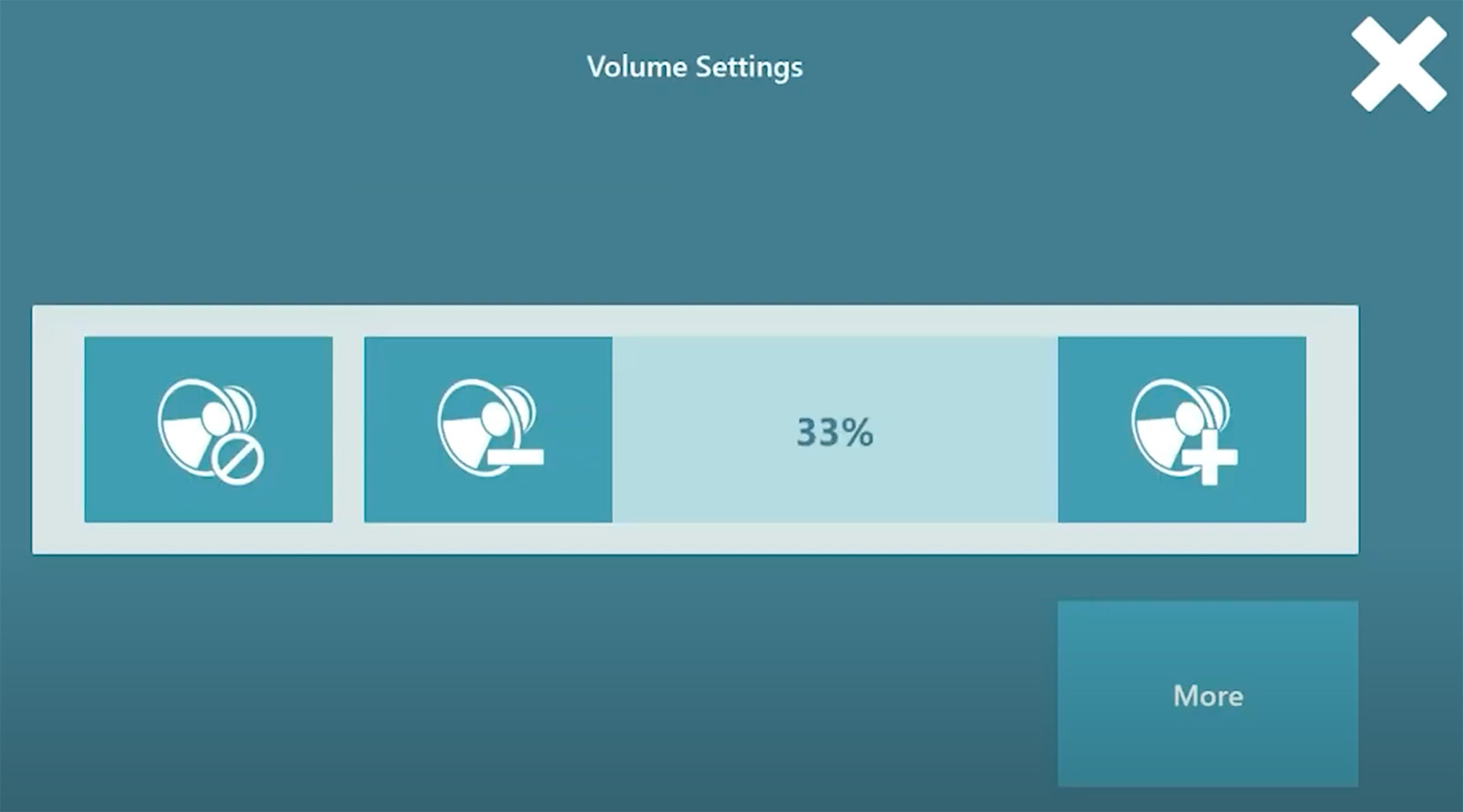
These settings are fully eye-gaze accessible.
