Curriculum
TD i13 and i16 - Getting Started
Getting Started with your TD i13 or i16 Device
0/8


Turning on your Device
Watch the video above, or follow along with the written instructions below:
0:05– Find the Power Button
To turn on your device, find the power button on the back of the device. If you’re looking at the back of the device, it will be at the top on the left side.

0:14– Make Sure the Battery is Charged
Press this button to power on the device. If the device does not turn on, the battery may be low. In this case, you will see a red LED indicator light that flashes three times on the front of the device in the top left corner. Be sure to charge the device before use.

0:29– Using a Switch to Turn On the Device
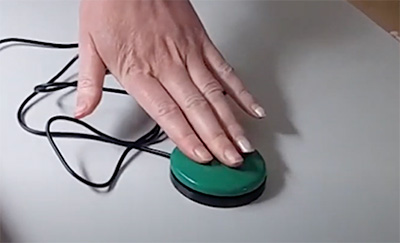
If your device came with a switch, it may be set up to turn on the device. In this case pressing the button can start-up or un-sleep your device.
0:39– Launching the Software
The device will startup and launch the communication software. Be patient while the device loads all the software. Once the communication software is loaded, you’re ready to start using the device.
